> ## Documentation Index
> Fetch the complete documentation index at: https://docs.variable.global/llms.txt
> Use this file to discover all available pages before exploring further.
# Configuration
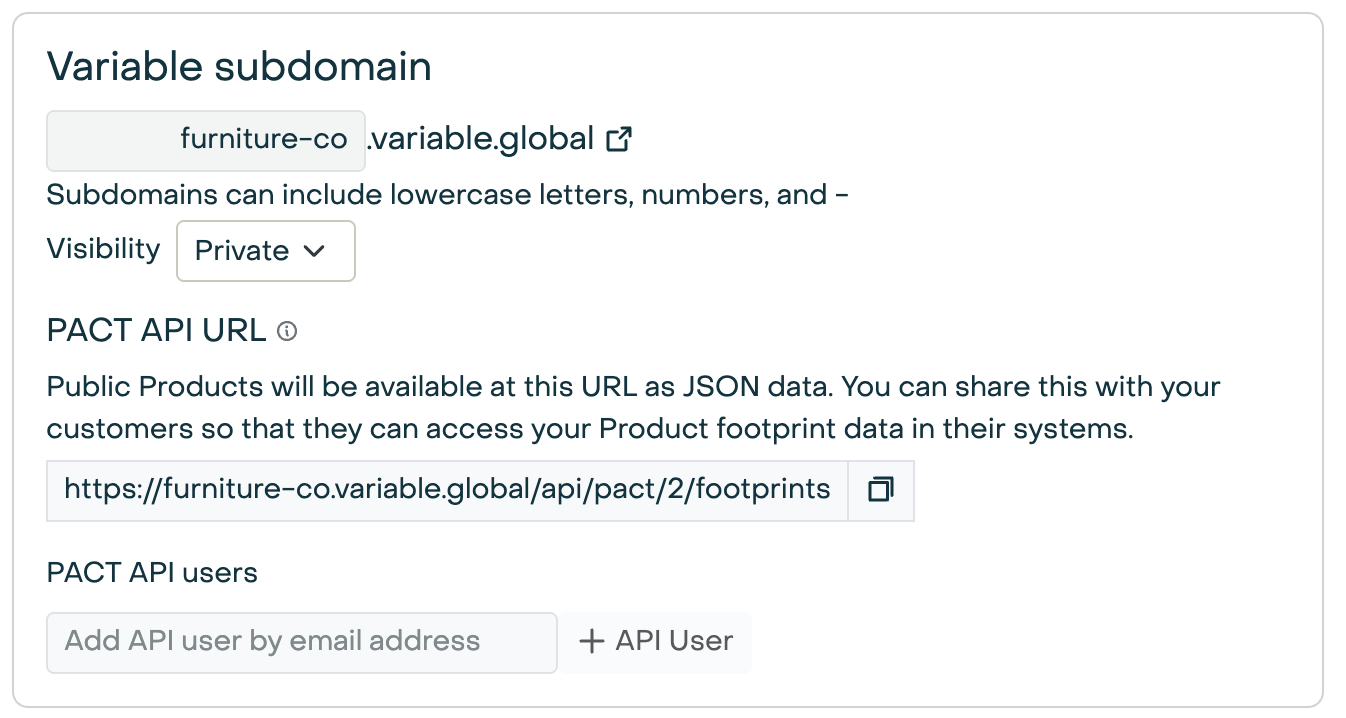
Enable your PACT API in Variable in the "Variable Subdomain" section in [company settings](https://app.variable.global/company).
If you don't see the Variable Subdomain section, [email us](mailto:hello@variable.co), and we'll enable it for your account.
### Requirements
There are two parts to setting up your PACT API:
1. Getting your PACT API URL
2. Sharing your Product Carbon Footprints (PCFs) with the API
### Your PACT API URL
Your PACT API URL is based on your Variable subdomain. For example, if your subdomain is `furniture-co`,
your PACT API URL is:
[https://furniture-co.variable.global/api/pact/2/footprints](https://furniture-co.variable.global/api/pact/2/footprints)
 ### API Users
By default, users must authenticate to access your PACT API. You can add API users in the same section in
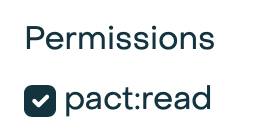
your [company settings](https://app.variable.global/company). Be sure to give them the `pact:read` permission.
### API Users
By default, users must authenticate to access your PACT API. You can add API users in the same section in
your [company settings](https://app.variable.global/company). Be sure to give them the `pact:read` permission.
 ### Visibility
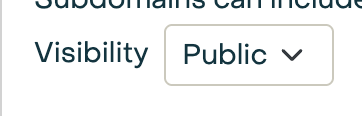
You can also make your PACT API public to the internet by setting "Visibility" to "Public".
### Visibility
You can also make your PACT API public to the internet by setting "Visibility" to "Public".
 ### Sharing Footprints
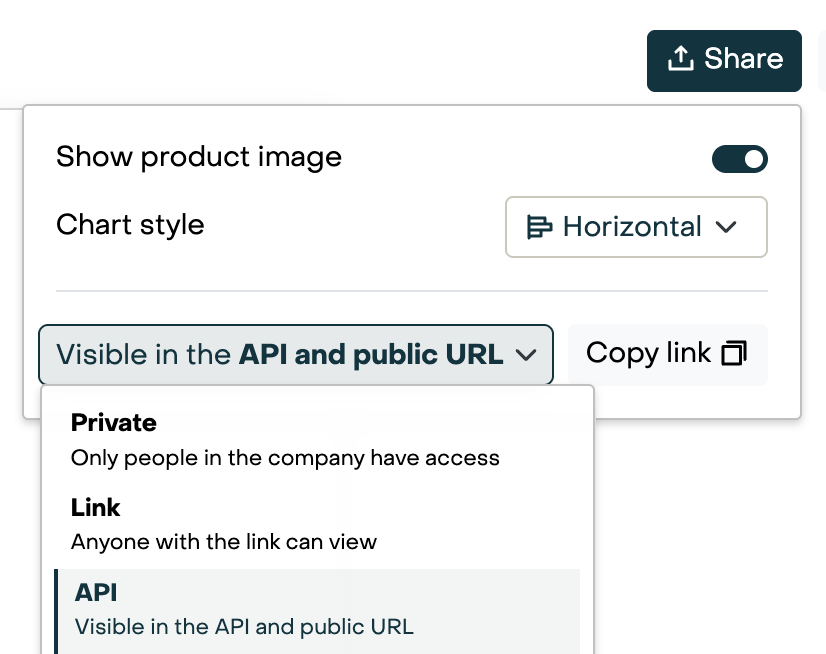
Products that have a sharing setting of "API", and are conformant with
the [PACT standard](https://wbcsd.github.io/data-exchange-protocol/v2) are shown in the PACT API.
To change the sharing setting for a Product, go to the Product's Passport tab, click on the "Share" button, and select "API".
### Sharing Footprints
Products that have a sharing setting of "API", and are conformant with
the [PACT standard](https://wbcsd.github.io/data-exchange-protocol/v2) are shown in the PACT API.
To change the sharing setting for a Product, go to the Product's Passport tab, click on the "Share" button, and select "API".
 #### PACT requirements
Details on the PACT standard and required fields can
be found [in the PACT documentation](https://wbcsd.github.io/data-exchange-protocol/v2).
#### PACT requirements
Details on the PACT standard and required fields can
be found [in the PACT documentation](https://wbcsd.github.io/data-exchange-protocol/v2).